Shot Continuity
First Frame to Last Frame AI Video: Plan Generative Transitions on Canvas
Learn how first frame to last frame generative transitions work in AI video, avoid visual warping, write motion bridge prompts, and chain shots seamlessly on the Say Action canvas.
On this page
- Interpolation vs Generative Transitions: Clarifying the Core Mechanism
- The Visual Contract Between Frame A and Frame B
- Chaining Shot Sequences on the Say Action Canvas
- Writing the Bridge Prompt Between Two Anchors
- Detecting Morphing Artifacts and Managing Generation Retries
- Connect your own API channels and third-party relays
Interpolation vs Generative Transitions: Clarifying the Core Mechanism
Many creators new to AI filmmaking conflate traditional frame interpolation with generative first-to-last-frame video transitions (FLF2V). Traditional interpolation algorithms—such as optical flow or deep learning models like RIFE and FILM—operate on an already recorded sequence. Their sole task is synthesizing intermediate in-between frames between adjacent temporal samples (e.g., boosting 24 fps footage to 60 fps or creating smooth slow motion) by tracking vector trajectories across tiny, millisecond-level pixel shifts. By contrast, generative first-and-last-frame video generation begins with two completely static, standalone concept images: Start Frame A and End Frame B. Rather than merely smoothing an existing trajectory, a video diffusion model must infer three-dimensional scene depth, solve complex skeletal kinetics, simulate natural physics, and invent entire seconds of coherent visual narrative from scratch to bridge the gap between the two endpoints.
Understanding this distinction is vital when structuring shots for short drama production. If you treat generative video as a pure interpolation tool, you will inevitably run into catastrophic visual artifacts. When a diffusion model receives Frame A and Frame B, it attempts to construct a continuous latent trajectory across latent space that satisfies both endpoint conditions simultaneously. If the physical or optical distance between the two anchors exceeds the temporal capacity of the model, the latent denoiser cannot resolve the kinetic path through plausible real-world physics. Instead of simulating a character turning their torso and stepping across a room, the model resorts to surreal pixel-level melting, limb splitting, or unnatural facial morphing. Planning a generative transition requires a director's eye: treating Frame A and Frame B not as arbitrary pictures, but as the strict temporal boundary coordinates of a single, continuous cinematic beat.
In an industrial production workflow, generative transitions bridge the gap between static storyboards and editable cinematic sequences. Rather than submitting blind text-to-video prompts and hoping the camera lands where the next scene begins, dual-anchor workflows give creators deterministic control over incoming and outgoing composition. In Say Action, this mechanism directly informs how script beats are broken down in the shot list and assigned to video generation nodes. By establishing what the camera sees at the start of a shot and locking down the exact framing where the shot must terminate, you eliminate cumulative framing drift and produce shots that cut together seamlessly on an external timeline.
The Visual Contract Between Frame A and Frame B
For a generative video transition to succeed without grotesque warping, Frame A and Frame B must fulfill what cinematographers call a visual continuity contract. Because diffusion models infer motion by solving latent vector paths between the two images, every physical constant in the scene must remain strictly compatible across both anchors. The primary pillar of this contract is lighting geometry: the key light direction, fill intensity, color temperature, and ambient shadow falloff must match between Frame A and Frame B. If Frame A depicts a character lit from camera-left by warm golden-hour sunlight and Frame B shows cool fluorescent overhead lighting, the model cannot calculate a physically plausible transition; it will inevitably produce flickering chromatic banding or supernatural glowing artifacts as it struggles to reconcile two contradictory lighting environments.
The second pillar of the continuity contract is anatomical, sartorial, and environmental consistency. The subject's costume, hairstyle, accessories, facial features, and background architecture must align across both frames. If a protagonist wears an unbuttoned dark trench coat in Frame A, Frame B must not depict the coat buttoned or altered in fabric texture unless the prompt explicitly describes the act of buttoning within sufficient screen time. Furthermore, the aspect ratio and focal length perspective must remain harmonious. Shifting from a wide 24mm perspective with deep spatial distortion in Frame A to a compressed 85mm portrait telephoto view in Frame B forces the generative model into violent perspective snapping. To maintain visual fidelity, both frames should be prepared using consistent image generation settings—such as unified character reference nodes and master style anchors on the canvas—before connecting them to a video node.
Finally, the spatial delta—the physical distance and pose transformation between Frame A and Frame B—must be realistic for the target duration. A character seated at a desk in Frame A cannot believably stand up, cross a twenty-foot room, and open an exit door in Frame B within a three-second clip. Demanding excessive physical displacement over too few frames forces the model to accelerate kinetic velocity beyond natural biological limits, creating rubbery limbs and blurred facial features. A practical rule of thumb is the 'single-action envelope': Frame A establishes the starting posture of a single physical action (e.g., character reaching for a coffee cup), and Frame B captures the concluding posture of that exact same action (e.g., cup lifted to lips). If an action contains multiple distinct kinetic beats, it must be decomposed into sequential sub-shots rather than crammed into one overstressed transition.
Chaining Shot Sequences on the Say Action Canvas
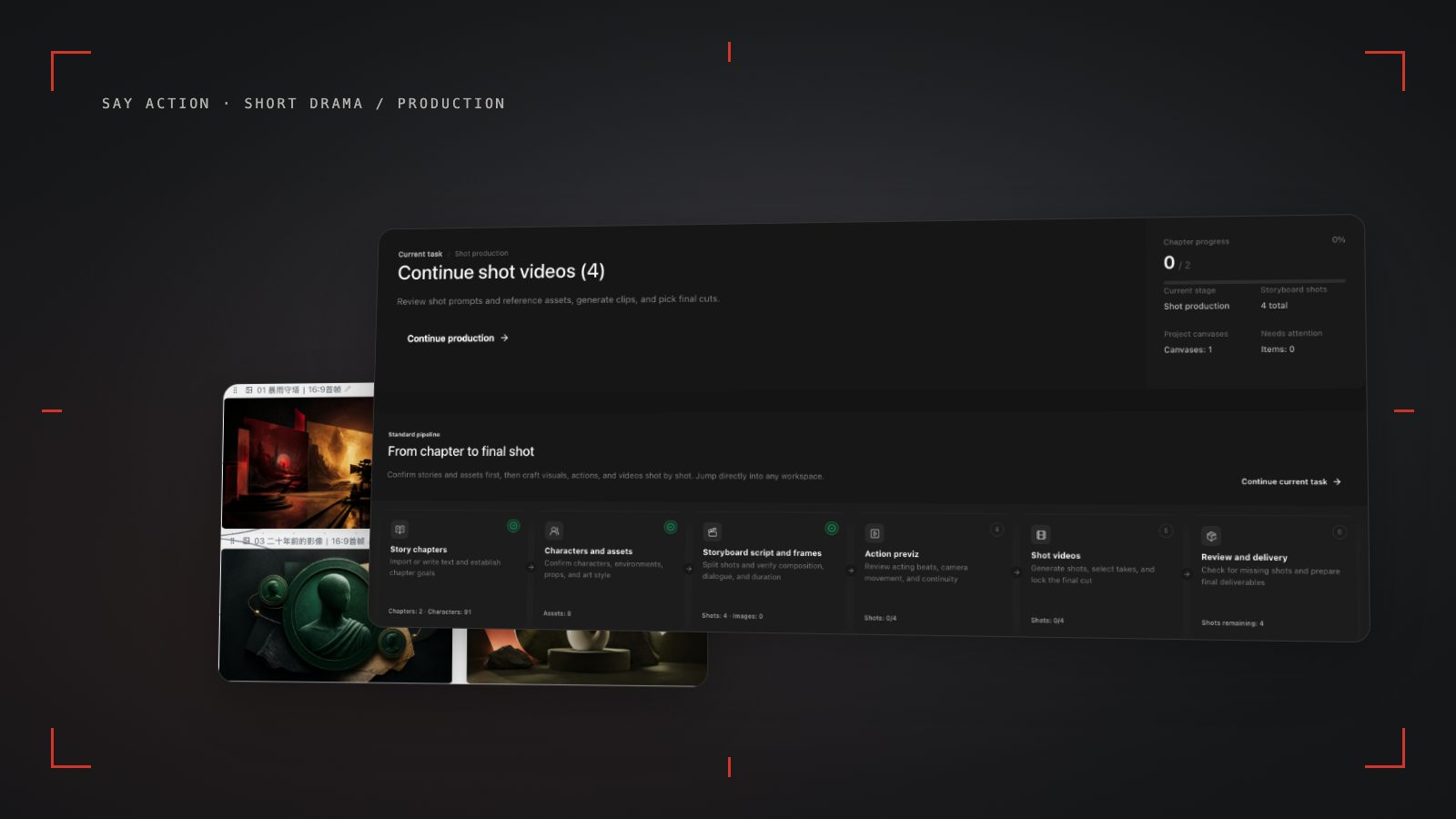
Executing generative transitions across a multi-shot narrative requires an integrated workspace where visual assets flow seamlessly from one shot to the next. On the Say Action canvas, this continuity is managed through visual node chaining. Rather than manually exporting video files, opening third-party video editors to grab end frames, and re-uploading image files into separate tools, creators can build an unbroken chain of connected nodes directly on the infinite canvas. You begin with Shot 1: an editable storyboard row connected to an image keyframe node (Start Frame) and a video generation node (such as Seedance 2.5). Once Shot 1 finishes rendering and the camera movement meets your creative standards, you can extract its exact finishing point without leaving the project.
To extract the terminal anchor, navigate to the video playback node for Shot 1, open the options menu in the upper-right corner, and select 'Extract Last Frame.' The system immediately captures the final rendered video frame at its native resolution and instantiates it as a new, independent image node on your canvas. This newly created image node serves as a valuable visual anchor for Shot 2. By connecting the output handle of this extracted frame node into the 'First Frame' input slot of Shot 2's video node, using the previous shot's last frame as the next first frame greatly improves continuity, minimizing color grading shifts, wardrobe discrepancies, and spatial jumps between takes; however, output fidelity still depends on the chosen model and requires review.
Not all video models and routing adapters handle dual-anchor inputs identically, which makes model selection on the canvas a critical technical step. For example, Seedance video channels natively accommodate both a First Frame and a Last Frame slot, making them ideal for locked sandwich transitions where both ends must hit precise compositions. Conversely, current adapters for models like Gemini Veo and Novita accept only a single starting image input, while MiniMax H3 enforces a strict API protocol where start/end frame mode cannot be combined with separate reference images. When building complex shot chains on the canvas, map out which shots require dual-anchor constraints and route those specific nodes to compatible providers like Seedance, while reserving single-image models for open-ended tracking or reaction shots.
Writing the Bridge Prompt Between Two Anchors
When generating a video from a start frame and an end frame, the prompt fulfills a fundamentally different role than in pure text-to-video generation. A common beginner error is treating the prompt as a full scene description, repeating details like 'a young detective in a beige trench coat standing in a foggy alley.' Because Frame A and Frame B already define the character's identity, costume, lighting, and environment down to the sub-pixel level, reiterating static subject descriptions creates redundant noise in the prompt encoder that can fight against the visual conditioning signals. In a first-and-last-frame workflow, your prompt should function exclusively as a 'motion bridge'—a concise, kinematic trajectory instruction that explains how the world moves from Anchor A to Anchor B.
An effective motion bridge prompt consists of three structured elements: Camera Vector, Subject Action, and Secondary Dynamics. The syntax follows a focused director directive: `[Camera: vector and speed] + [Subject: specific transitional motion] + [Atmosphere: subtle environmental motion]`. For instance, if Frame A is a medium shot of a CEO looking at a smartphone and Frame B is an over-the-shoulder shot looking down at the illuminated screen, an optimal bridge prompt reads: 'Camera executes a slow, steady push-in forward and arches slightly over subject's right shoulder. Subject turns head downward, tilting smartphone toward camera lens. Subtle screen glow illuminates subject's chin, steady cinematic motion, no jitter'. Notice how this prompt gives the model clear spatial direction while refraining from re-describing the actor's clothing, eye color, or room furniture.
Pacing and velocity language within the bridge prompt directly influence whether the transition looks organic or erratic. Always specify linear or smooth easing descriptors such as 'steady velocity', 'gentle acceleration', or 'smooth locked trajectory'. Avoid contradictory or chaotic directives like 'dramatic sudden camera whip and fast turn', which prompt the diffusion model to inject erratic rotational velocities that tear the facial geometry apart. If your transition requires a dynamic camera movement, pair the verbal command with established cinematic terminology (such as Dolly-In, Pedestal Down, or Slow Tracking Arc). By giving the model an explicit vector highway between Frame A and Frame B, you ensure that the generated intermediate frames follow a clean, broadcast-grade cinematic arc.
Detecting Morphing Artifacts and Managing Generation Retries
Even with disciplined prompt crafting and careful anchor selection, generative transitions can occasionally yield defective outputs. The most common failure mode is 'latent melting' (morphing), where a human subject's face loses structural integrity during the middle of the clip, only to snap back into shape at the final frame. This occurs when the mathematical distance between Anchor A and Anchor B is too steep for the model's spatial-temporal attention layers to resolve continuously. When you inspect generated clips on the canvas, scrub slowly through the middle third of the timeline. If you observe anatomical drifting—such as extra fingers manifesting during a hand gesture, eyes detaching from eye sockets, or clothing patterns shifting—the transition has exceeded its physical capacity.
To resolve morphing artifacts systematically, follow a three-step troubleshooting protocol. First, check the duration setting in the video node: increasing the render length from 3 or 4 seconds to 5 or 6 seconds often provides the model with adequate temporal headroom to calculate smooth physical easing. Second, inspect the rotational angle between Frame A and Frame B; if the subject rotates more than 90 degrees or moves across deep camera axes, split the storyboard row into two sequential sub-shots by inserting a midway keyframe (Frame A to Midway A.5, and Midway A.5 to Frame B). Third, verify that background environmental elements are not forcing contradictory motion vectors, such as wind blowing curtains leftward in Frame A while the prompt asks for rightward motion.
Managing generation costs and retry cycles is essential for maintaining production budgets across multi-shot drama episodes. When tasks encounter technical issues, Say Action safeguards creator balances: When the upstream explicitly reports failure, reserved credits are refunded; tasks with unclear network status stay pending review to avoid double settlement. If a video completes successfully but the creative motion appears unconvincing or exhibits anatomical melting, re-generating that specific shot constitutes a new rendering task with upfront credit estimates displayed before launch. To keep credit consumption predictable, avoid generating speculative 10-second clips on unproven transitions; validate your motion bridge using economical 4-second passes first, refine the keyframe anchors, and only commit extended durations once the spatial continuity is firmly locked.
Connect your own API channels and third-party relays
In model-channel settings, enter the Base URL and API key, then configure the protocol, model IDs and required headers from your provider's documentation. Check the image and video modes you need before generating. Paths, resolutions and first/last-frame inputs depend on the connected channel. An adaptation request for an unsupported channel is not a compatibility guarantee.
BYOK supports a custom API endpoint, model key and headers. For OneAPI, NewAPI or another relay, select the OpenAI, Gemini or Claude protocol that matches its actual API, then check model IDs and image/video endpoint support. Not every relay or private protocol works automatically. BYOK model calls have no platform model markup or platform generation-credit deduction; workspace access and provider usage are still billed separately.
Connect only trusted providers and use HTTPS in production. Custom requests are forwarded through the authenticated backend; required prompts, reference assets and credentials take part in the request. Never put API keys, passwords or secret-bearing headers in public canvases, screenshots or support requests.
Frequently asked questions
Can I transition between two completely different scenes using first and last frame?
In generative AI video, supplying two images with radically different environments, lighting angles, or subjects causes the diffusion model to produce chaotic morphing and melted artifacts during the midpoint frames. While surreal or music-video visual effects can intentionally leverage this morphing, narrative short drama storytelling requires continuity. For major scene changes or time skips, professional workflows rely on traditional hard cuts, match cuts, whip pans, or passing foreground wipe transitions rather than forcing generative interpolation between disparate scenes.
Do all video models on Say Action support last frame input?
No. Different video generation models and routed upstream channels have distinct parameter schemas and adapter capabilities. Within Say Action, Seedance video channels natively support dual-anchor first-frame and last-frame image slots, whereas current adapters for models such as Gemini Veo and Novita accept a starting image only. In addition, providers like MiniMax H3 enforce strict channel constraints where first/last frame mode cannot be combined with auxiliary character reference images. Always verify the active model's supported input slots in the canvas node before structuring your shot sequence.
How do I extract the last frame of a generated video on the Say Action canvas?
When a video node finishes generating a satisfactory shot, open the action menu in the upper-right corner of the video player node and select 'Extract Last Frame.' The system grabs the terminal video frame at native resolution and instantiates it as a new, independent image node on your canvas. You can then click and drag the connector line from this new image node into the First Frame input slot of your next shot's video node, establishing pixel-perfect visual continuity.
What should I do if the motion between the first and last frame looks unnatural or too fast?
When physical motion appears hurried or character anatomy stretches unnaturally, the time window is usually too short for the spatial displacement between the two keyframe poses. In the video node settings, increase the generation duration (for instance, stepping up from 4 seconds to 6 seconds) to give the diffusion trajectory sufficient temporal frames to resolve the movement smoothly. If unnatural warping persists, the physical distance between Anchor A and Anchor B is too large; insert an intermediate keyframe on the canvas to break the action into two shorter, natural beats.
Can I connect OneAPI, NewAPI and custom headers?
BYOK supports a custom API endpoint, model key and headers. For OneAPI, NewAPI or another relay, select the OpenAI, Gemini or Claude protocol that matches its actual API, then check model IDs and image/video endpoint support. Not every relay or private protocol works automatically. BYOK model calls have no platform model markup or platform generation-credit deduction; workspace access and provider usage are still billed separately.