
Prompt guide
Seedance Camera Movement Prompts: Director-Style Syntax for Consistent Shots
Master Seedance 2.x and 2.5 camera control with cinematographer-grade syntax formulas, verified movement modules, single-action shot planning, and canvas keyframe integration.
On this page
- Think Like a Cinematographer, Not a Novelist
- The Four-Part Camera Prompt Formula and Verified Movement Modules
- The Golden Rule: One Movement per Shot
- Pairing Motion Prompts with Canvas Keyframe Nodes
- Troubleshooting Camera Artifacts and Credit Management
- Connect your own API channels and third-party relays
Think Like a Cinematographer, Not a Novelist
When directing generative video models like Seedance 2.x and Seedance 2.5, treating the prompt box as a prose novel is the most common reason camera control breaks down. Literary descriptions such as "the camera wanders melancholically through the dimly lit room, capturing a sense of profound longing" flood the cross-attention layers of the diffusion model with ambiguous emotional adjectives. Because latent video architectures correlate adjectives with visual texture rather than 3D spatial velocity, Seedance attempts to synthesize melancholy through facial grimaces or lighting shifts while leaving the virtual camera completely unmoored or violently shaking.
Professional short drama production requires thinking like a Director of Photography (DP) creating a shot list. Video diffusion models respond with the highest spatial fidelity when prompts supply explicit physical camera coordinates: optical axis displacement, focal length approximation, pan or tilt vectors, and a defined subject anchor. Instead of poetic mood writing, an effective camera prompt isolates geometry—stating exactly where the camera sits on the virtual rig, in which direction it moves across three-dimensional space, and what physical anchor it tracks.
In the Say Action canvas, prompt syntax directly interfaces with model capabilities. Seedance 2.5 supports prompt inputs up to 8,000 characters and clip durations between 1 and 15 seconds, along with dual-anchor keyframes and multi-modal references. However, longer capacity does not mean creators should pack conversational filler into the prompt box. By adopting structured, director-style syntax, creators establish clean vector bias across the temporal latent space, preventing unintended camera spins, background tearing, and erratic angle changes before video rendering begins.
The Four-Part Camera Prompt Formula and Verified Movement Modules
To achieve repeatable, deterministic camera motion in Seedance, use a standardized four-part formula: Camera: [Rig Movement] + [Velocity & Vector] + [Subject Anchor] | Lens & Lighting: [Focal Framing] + [Light Direction]. Breaking prompts into discrete modular clauses prevents descriptive collisions. The rig movement clause specifies physical mechanics (such as a dolly, track, pan, or crane); the velocity clause bounds spatial displacement (slow, steady, continuous); the subject anchor locks the point of focus (chest level, eye level, doorway); and the lens clause establishes depth of field and perspective compression.
Creators frequently struggle with erratic camera behavior because they use generic motion terms like "camera moves around." In practice, Seedance responds reliably to six specific, verified camera movement patterns. In mobile 9:16 vertical drama framing, these movements deliver high narrative retention without triggering perspective shear or face distortion. For example, a slow dolly-in heightens emotional tension during dialogue beats, while a locked-off static shot provides rock-solid stability for intense character reactions.
The table below details these six verified movement modules, providing exact syntax strings, visual objectives, and production best practices for short drama shot lists. Each module anchors the virtual lens to physical geometry rather than literary speculation.
| Movement Module | Syntax Pattern | Visual Objective & Anchor | Production Best Practice |
|---|---|---|---|
| Slow Dolly-In | Camera: slow dolly-in along optical axis toward subject face | Framing: eye-level medium close-up, steady linear speed | Draws audience focus toward internal emotion or realization | Keep velocity under control; abrupt zooms warp facial features in vertical 9:16 framing. |
| Locked-Off Static | Camera: locked-off tripod shot, zero pan zero tilt, stationary position | Framing: eye-level medium shot, centered subject | Ensures zero camera drift during dialogue reactions or micro-expressions | Essential when pairing with facial reference images to isolate actor performance from camera motion. |
| Tracking Lateral | Camera: lateral tracking truck-left following subject movement | Framing: waist-up profile shot, constant parallel distance | Follows character walking down hallways or crossing rooms | Specify parallel orientation so the model does not veer into an unintended orbital turn. |
| Crane-Down Reveal | Camera: crane-down pedestal drop from ceiling to eye level | Framing: high angle descending to frontal medium shot | Introduces character status, environment, or surprising plot revelation | Start with an architectural ceiling anchor before settling on character eyeline. |
| Pan 45-Degree | Camera: smooth pan-right across 45-degree horizontal arc | Framing: eye-level two-shot relationship, steady pivot | Shifts focus from speaker to listener or reveals an arriving obstacle | State beginning and ending focal subjects to prevent endless spinning beyond 45 degrees. |
| Orbit Arc | Camera: slow shallow orbit-left 30-degree arc around subject | Framing: three-quarter angle medium close-up, fixed radius | Amplifies dramatic confrontation, suspense, or romantic tension | Keep orbital arc under 45 degrees in a single shot; 360-degree wraps cause severe background hallucination. |
Syntax patterns reflect verified prompt structures for Seedance 2.x and 2.5 on Say Action canvas. Outputs remain generative; always review each clip against narrative intent.
The Golden Rule: One Movement per Shot
The single most frequent mistake in generative video prompting is compounding multiple contradictory camera movements into one sentence—for instance, writing "the camera swoops down from the sky, zooms into the protagonist's eyes, then orbits around their head and tilts upward." In traditional live-action cinematography, such complex moves require motorized technocranes, Steadicam rigs, and choreographed blocking. In generative video models, forcing composite trajectories into a brief latent temporal window forces the model to resolve conflicting vector gradients simultaneously, almost invariably resulting in rubbery limbs, melting backgrounds, and sudden cuts.
In vertical short drama production, narrative shots typically run between 2 and 4 seconds. Within that brief window of 48 to 96 frames, a viewer's eye can only register one clean visual displacement. Adhering to the "One Movement per Shot" rule means each storyboard row commits to exactly one primary mechanical vector: a push, a truck, a tilt, or a hold. If a scene requires revealing an environment and then focusing on a character's trembling hands, do not write a complex swoop; split the scene into two distinct shots on your storyboard table. Shot 1 executes a high-angle crane down, and Shot 2 executes a locked-off close-up.
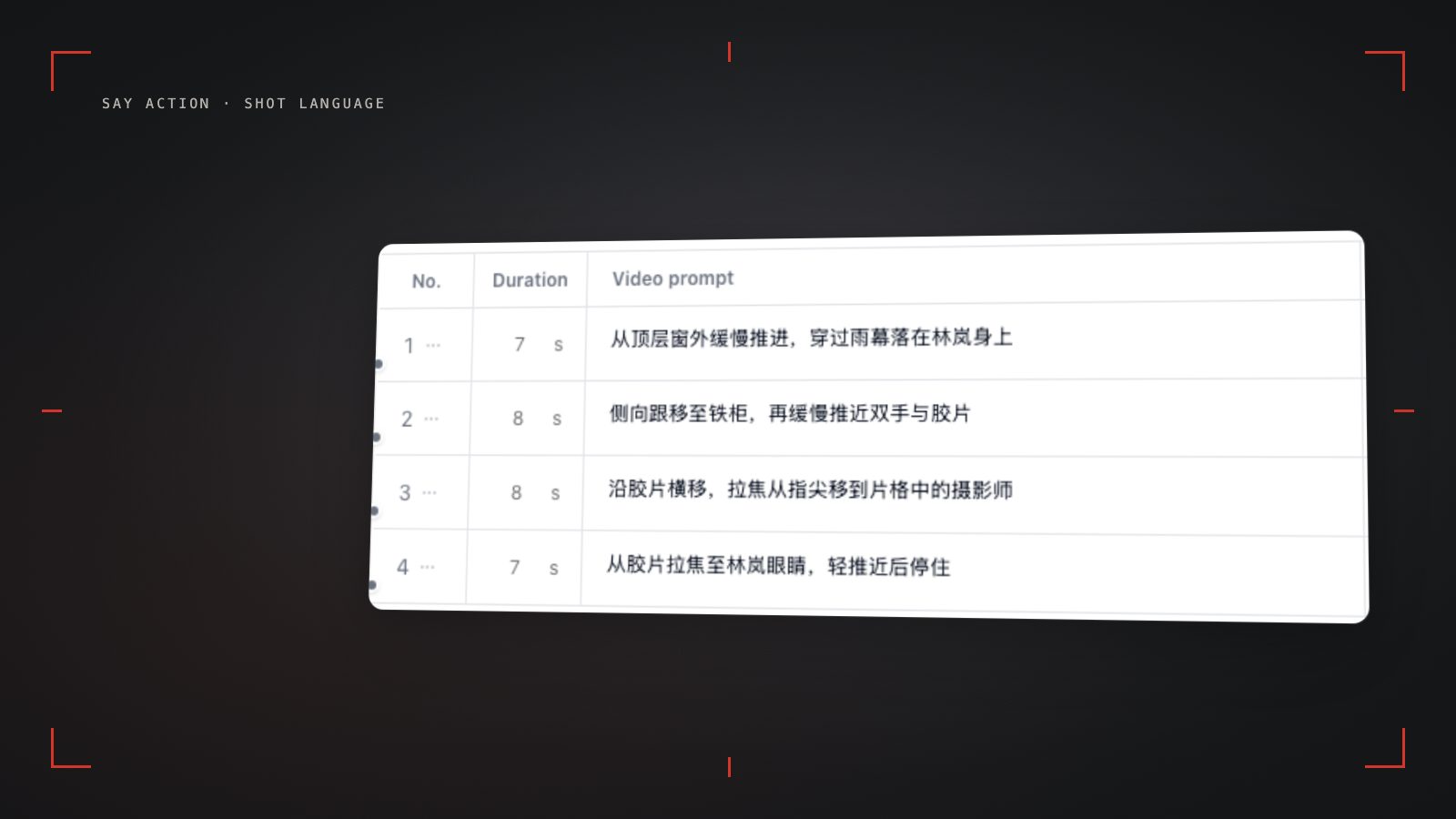
On the Say Action canvas, this disciplined breakdown saves both production time and creative credits. By assigning single-movement prompts to sequential rows in the editable storyboard table, creators can review, render, and refine individual beats independently. If an actor's reaction in Shot 2 looks compelling but the camera speed in Shot 1 needs adjustment, you only modify and re-render Shot 1. The rest of the scene remains untouched, preventing cascading retries and preserving overall pipeline velocity.
Pairing Motion Prompts with Canvas Keyframe Nodes
A common point of confusion is how camera prompts interact with image inputs. In text-to-video mode, a prompt must simultaneously describe character appearance, set design, lighting, and camera motion. In Say Action's image-to-video workflow, however, the First Frame node establishes the visual baseline: character likeness, wardrobe fabrics, color temperature, and initial framing are already set in the input image. Consequently, the motion prompt connected to a Seedance 2.5 video node generally should not redescribe what is already visible in the image.
When writing a camera prompt for a video node that has a connected First Frame keyframe, your text should focus strictly on kinetic vectors and subtle actor gestures originating from that starting image. For example, if the First Frame depicts a CEO sitting behind a mahogany desk with a tense expression, your motion prompt should state: Camera: slow push-in toward character eyes | Action: character slightly tightens jaw, eyes track screen-right, subtle breathing. Connect character references to the reference or first/last-frame inputs supported by the selected model, then confirm resolution and duration. Capabilities depend on the model and provider; reference images do not guarantee perfect consistency. By freeing prompt tokens from repetitive visual description, the model dedicates its spatial attention heads entirely to executing the requested camera path smoothly.
For shots requiring precise beginning and ending compositions, Seedance 2.5 natively supports dual-anchor first and last frame inputs on the Say Action canvas. When both keyframe slots are populated, the camera prompt functions as an interpolation bridge, describing the mechanical travel between Frame A and Frame B. Ensuring that both keyframes share matching lighting and perspective lines allows the camera prompt to guide smoother spatial continuity across consecutive dramatic scenes, though outcomes still depend on model dynamics and should be reviewed.
Troubleshooting Camera Artifacts and Credit Management
Even with structured syntax, generative cameras can occasionally produce unwanted artifacts. If a generated shot exhibits high-frequency mechanical jitter or micro-stutter, the model is often interpreting ambient scene verbs (like "wind howling" or "crowd rushing") as virtual camera vibration. Counteract this by inserting explicit stabilization qualifiers into the prompt, such as Camera: locked-off tripod shot, zero camera shake, fluid mechanical movement. Conversely, if you want realistic cinematic handheld texture, specify subtle organic handheld drift, steady operator motion rather than violent shaking.
Subject drift and facial warping occur when the camera speed exceeds the model's ability to maintain identity vectors. If an actor's facial features distort during a dolly-in, the camera movement is traveling too far or too fast for the shot duration. To resolve this, soften velocity modifiers from fast push to slow, subtle dolly-in, or decrease the video node's motion intensity slider. In vertical 9:16 mobile framing, keep characters centered within safe zones so that camera displacement does not crop heads or critical props during movement.
Managing budget and iteration cycles requires clear production discipline. In Say Action, typing, refining, and testing camera prompt syntax within storyboard table rows is completely cost-free; compute credits are only charged when launching video generation nodes based on selected resolution and duration parameters. See available models, resolutions, and estimated credits on the creation page. The final credit charge is shown before you submit. When the upstream explicitly reports failure, reserved credits are refunded; tasks with unclear network status stay pending review to avoid double settlement.
Connect your own API channels and third-party relays
In model-channel settings, enter the Base URL and API key, then configure the protocol, model IDs and required headers from your provider's documentation. Check the image and video modes you need before generating. Paths, resolutions and first/last-frame inputs depend on the connected channel. An adaptation request for an unsupported channel is not a compatibility guarantee.
BYOK supports a custom API endpoint, model key and headers. For OneAPI, NewAPI or another relay, select the OpenAI, Gemini or Claude protocol that matches its actual API, then check model IDs and image/video endpoint support. Not every relay or private protocol works automatically. BYOK model calls have no platform model markup or platform generation-credit deduction; workspace access and provider usage are still billed separately.
Connect only trusted providers and use HTTPS in production. Custom requests are forwarded through the authenticated backend; required prompts, reference assets and credentials take part in the request. Never put API keys, passwords or secret-bearing headers in public canvases, screenshots or support requests.
Frequently asked questions
Does writing "cinematic 4k" help Seedance control camera angles?
No. Vague quality buzzwords like "cinematic 4k photorealistic" do not provide spatial coordinates to the diffusion model's latent attention layers; instead, they dilute the prompt weight of your camera syntax. Always specify concrete camera setups such as "eye-level medium close-up, slow dolly-in" to anchor physical perspective.
Can Seedance 2.5 follow a camera move across 10 full seconds?
While Seedance 2.5 supports clip durations up to 15 seconds, complex camera moves across long clips accumulate geometric drift and facial warping. In short drama production, the best practice is keeping individual narrative shots between 2 and 5 seconds. This preserves facial identity while maintaining crisp, intentional camera momentum.
How do camera prompts interact with the First Frame slot in Say Action?
The First Frame slot establishes the visual anchor—grounding the character's facial features, wardrobe, lighting, and starting composition. Your camera movement prompt then instructs Seedance how the perspective should displace relative to that established starting point. It directs motion vectors, not static art direction.
Do camera motion prompts cost extra credits in Say Action?
Drafting and editing camera prompts in storyboard rows is completely free. Platform credits are only deducted when you execute a video generation node based on your chosen duration and resolution. When the upstream explicitly reports failure, reserved credits are refunded; tasks with unclear network status stay pending review to avoid double settlement.
Can I connect OneAPI, NewAPI and custom headers?
BYOK supports a custom API endpoint, model key and headers. For OneAPI, NewAPI or another relay, select the OpenAI, Gemini or Claude protocol that matches its actual API, then check model IDs and image/video endpoint support. Not every relay or private protocol works automatically. BYOK model calls have no platform model markup or platform generation-credit deduction; workspace access and provider usage are still billed separately.